
Buy it once. That's it.
One price gets you every feature, on every device, for good.
- No in-app purchases, so a kid tapping around can't run up a bill.
- No subscription to remember to cancel.
- No premium tier, no coins and nothing locked behind a paywall.
- No ads and no tracking.
- With Family Sharing, your whole Apple family gets it at no extra cost.
How it works
1. You set it up
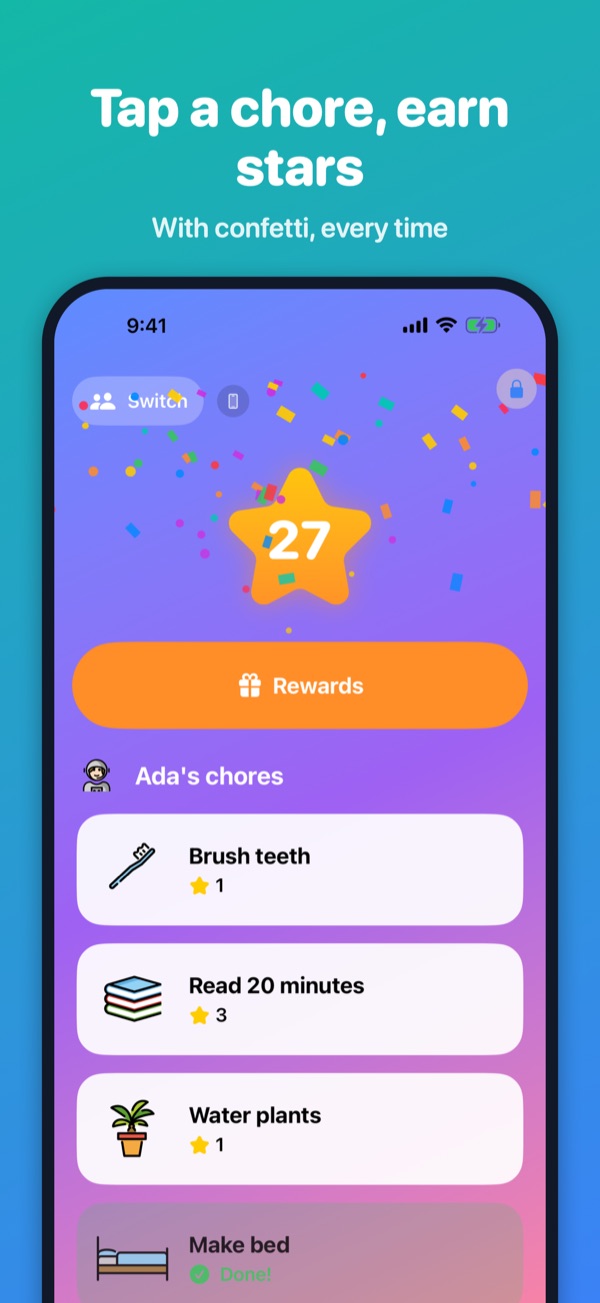
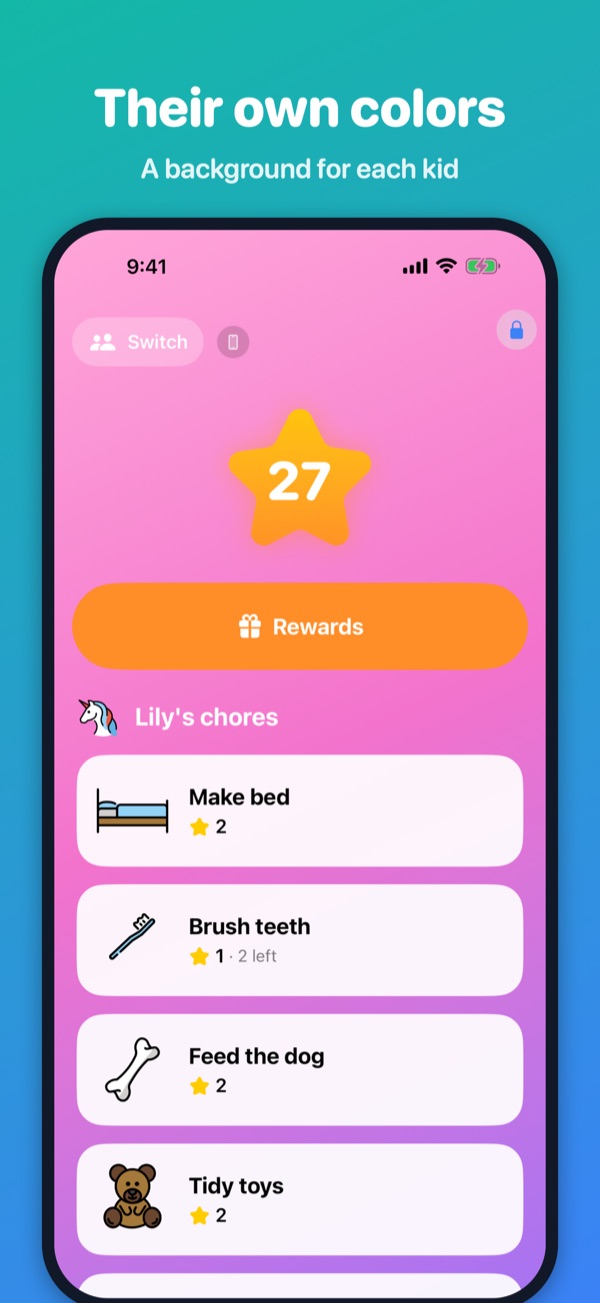
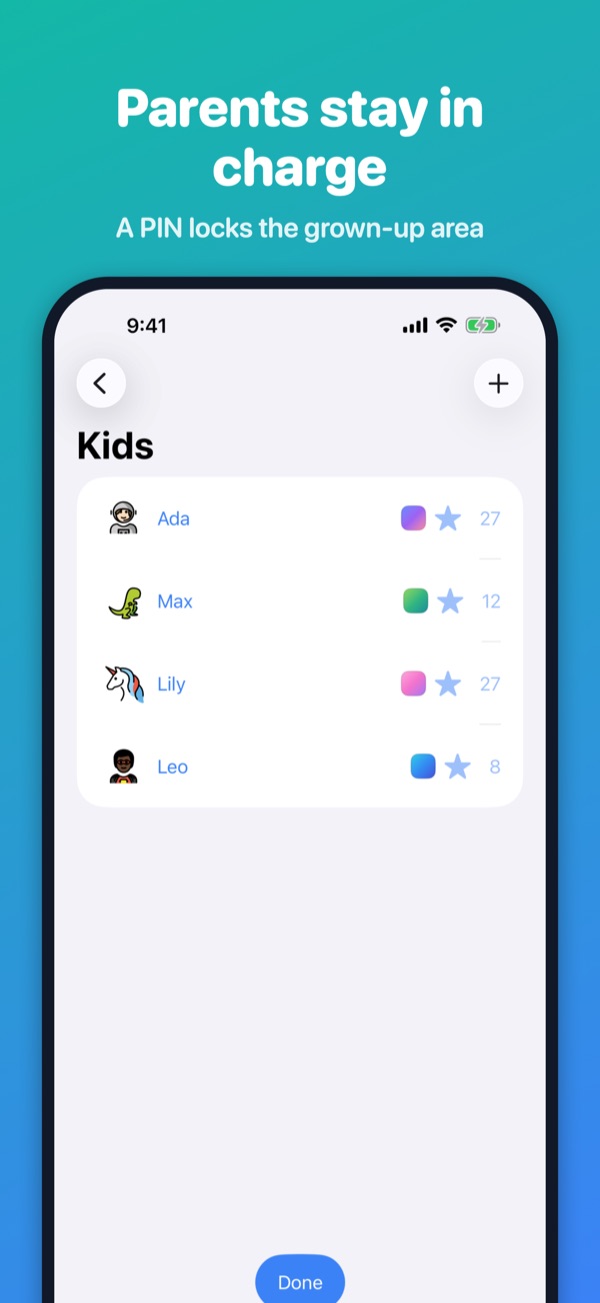
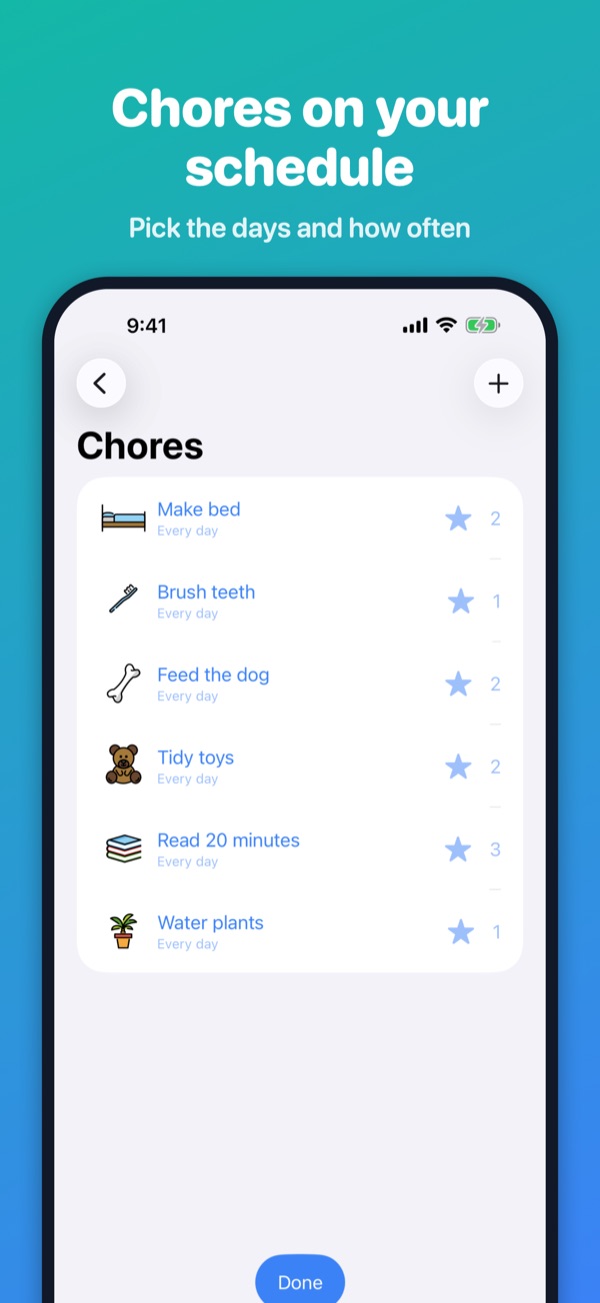
Add your kids, the chores you want done and the rewards they can earn. Each chore has a star value and the days it's due.
2. Kids check off chores
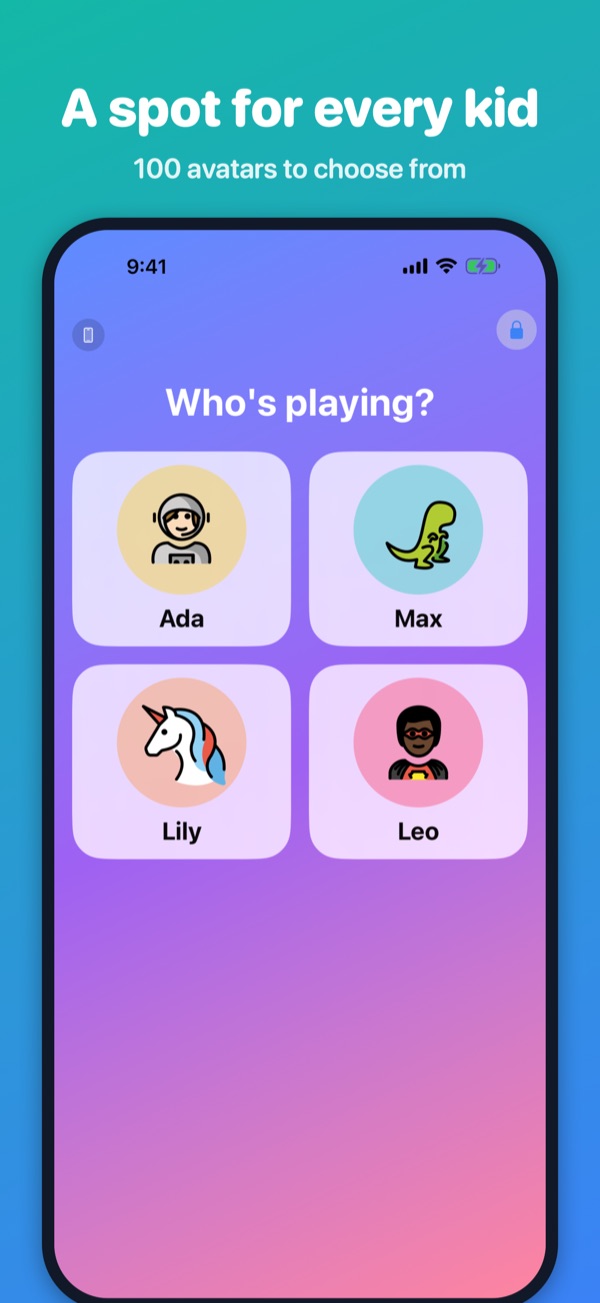
Big picture buttons, confetti and a happy ding. Kids who can't read yet can follow along.
3. Stars become rewards
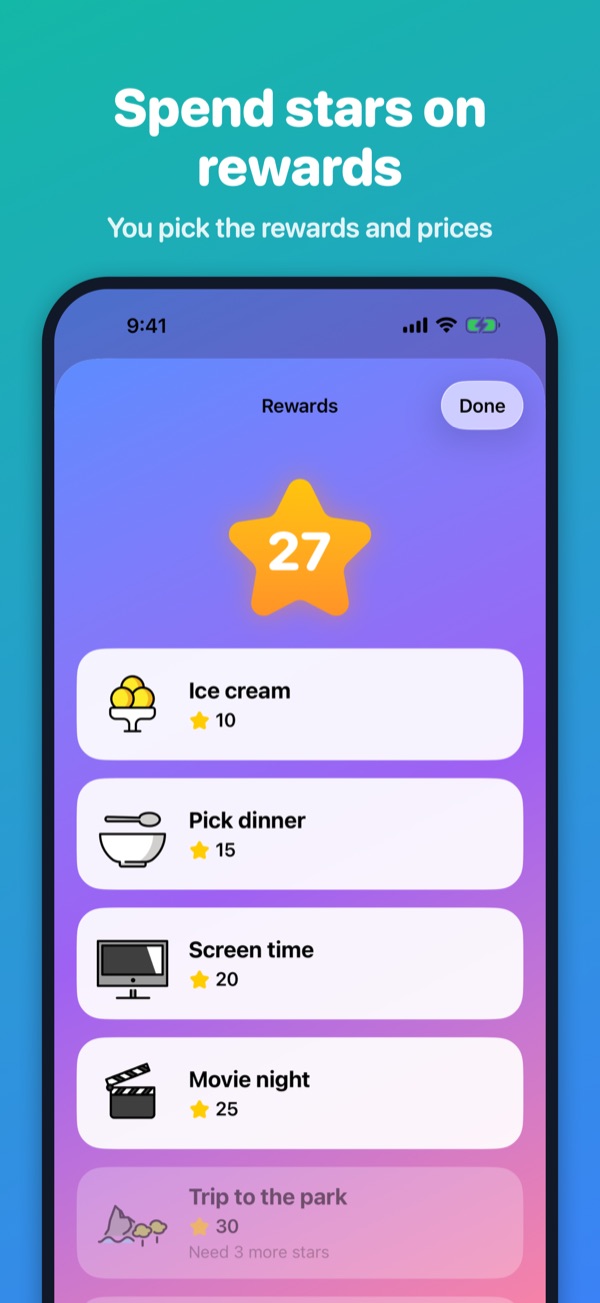
Kids save up and spend stars in the reward shop on ice cream, a movie night or whatever you decide.
Made for real families
Every device
An iPad in the kitchen, each parent's phone, a hand-me-down iPhone for each kid. Kid devices pair with a 6-digit code and everything stays in sync.
Parents in charge
A 4-digit PIN locks the parent area. Add or take away stars with a note, or add a one-time chore for today.
Works offline
No Wi-Fi in the car? HiChore keeps working and catches up when you're back online.
Private
Kids don't have accounts. HiChore stores only a first name or nickname and an avatar for each child. No ads, no tracking.
Support
Questions, a bug, or an idea? Email mwingfie@gmail.com and we'll get back to you.
- How do I add another device?
- On a device that's already set up, open Parent View, go to Devices and tap Pair a device. On the new device, choose "Pair this device" and enter the 6-digit code within 10 minutes.
- How do I add another parent?
- In Parent View, open Family and tap Invite a parent. The other parent signs in on their device and chooses "Join with invite code".
- I forgot the parent PIN.
- On the PIN screen, tap "Forgot PIN" and sign in again with the parent account to choose a new one.
- A chore got checked off by mistake.
- Long-press the chore in Kid View to undo it. Redeemed rewards can be undone the same way, with the parent PIN.
- Do I pay again on my other devices?
- No. Buy once and download it on every device signed in to your Apple Account. With Family Sharing, the rest of your Apple family gets it too.
- How do I delete my data?
- In Parent View, open Account and tap Delete account (or Delete family). This permanently removes the data from our servers.